Keyboard Powered Collaboration

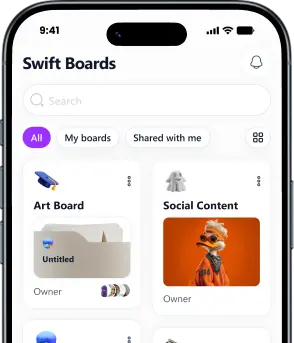
Your Boards
Anywhere You Type

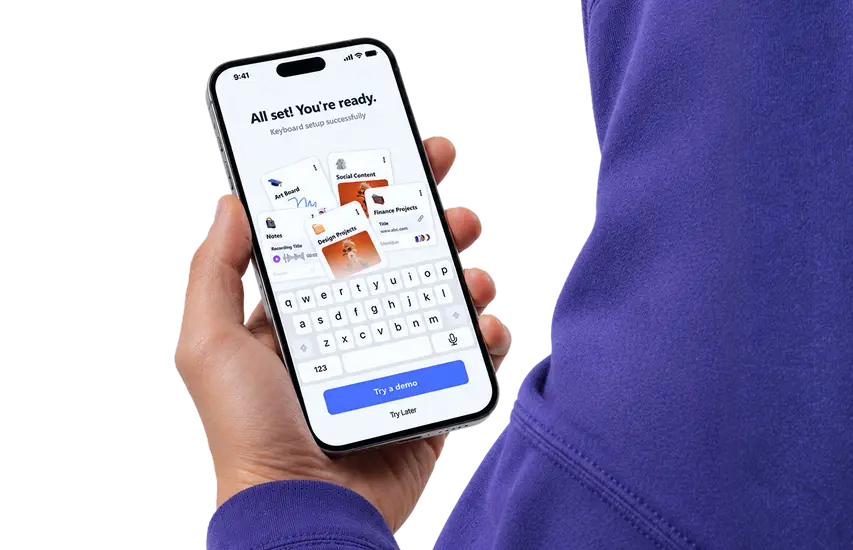
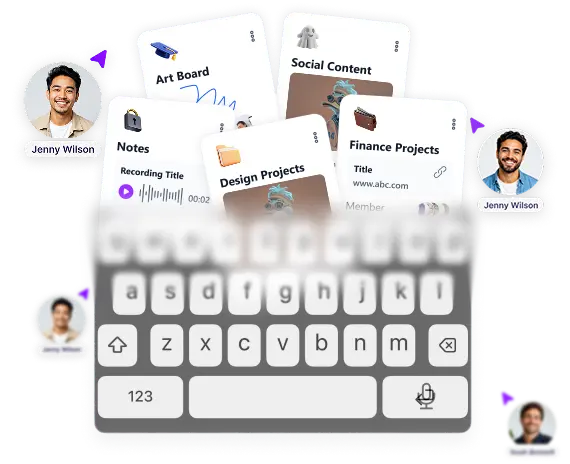
Create, organize, and share content with your team and access everything instantly from your keyboard on iOS and Android.

Collaboration Made Swift. Organize. Share. Execute.

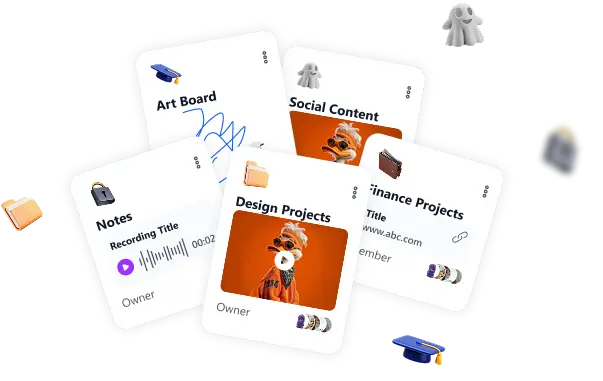
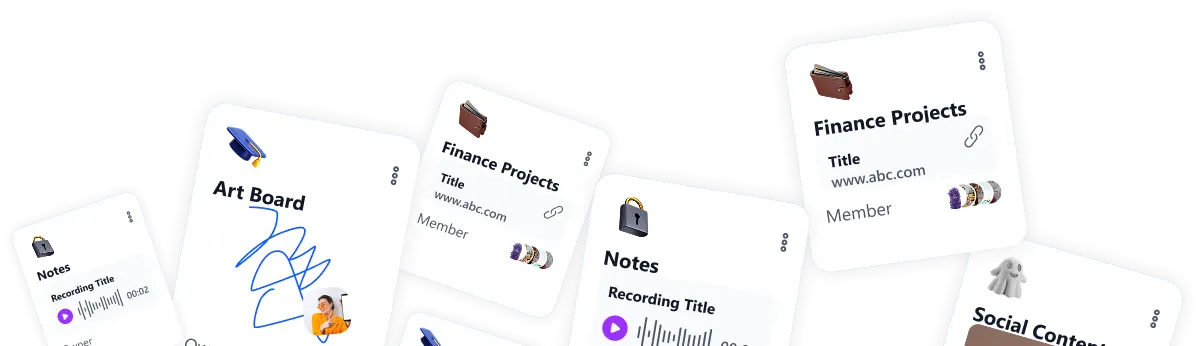
Create boards, add content, assign roles, and collaborate instantly with real-time activity and smart notifications.

everything in
one place

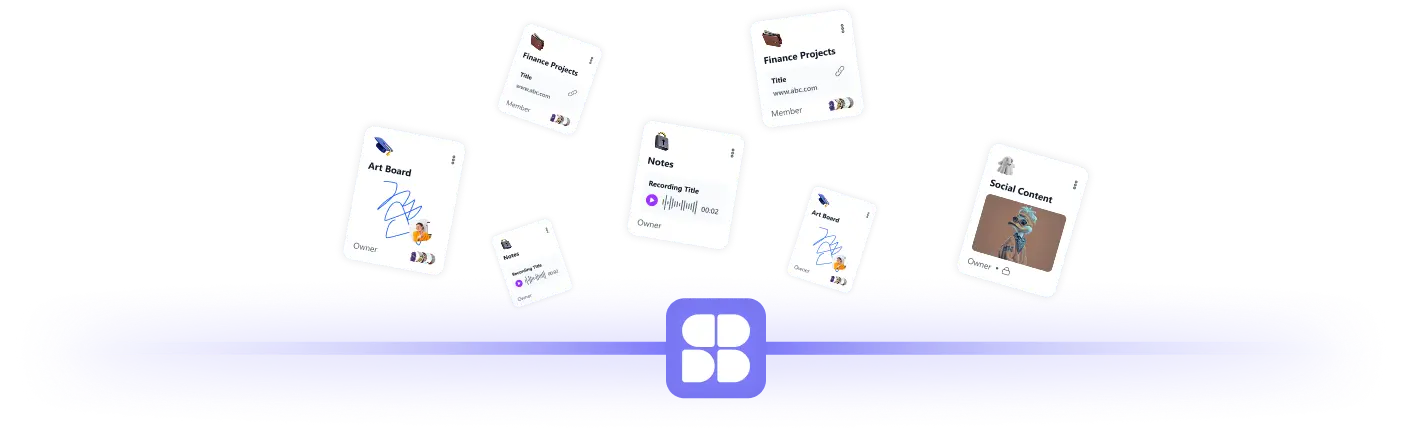
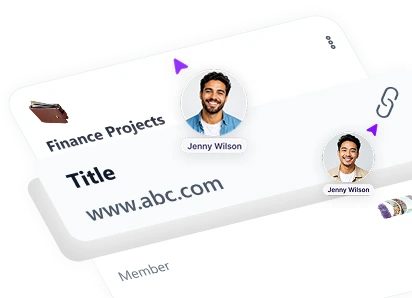
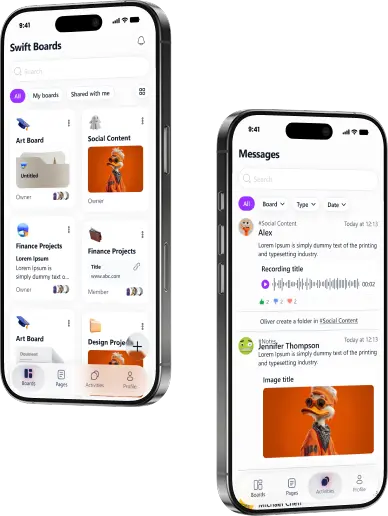
SwiftBoard app — boards, roles, real-time activity

How it works

01

Create your board

Start by creating a dedicated board for your project, client, or idea. Give it a name, add an emoji, and instantly set up a focused workspace. Every project begins with clarity.

Step 01: Create your board
02

Add All your content

Bring everything into one organized space. Upload images, write text notes, attach videos, add audio recordings, share documents, or paste important links. Everything stays inside your board. No switching between apps and no scattered files.

Step 02: Add All your content
03

Invite your team

Collaboration is just one click away. Add members to your board and assign roles such as Admin, Editor, or Viewer so everyone has the right level of access. Full control with clear responsibilities.

Step 03: Invite your team
04

Chat Inside the board

Discuss work where it happens. Every board includes built in messaging so members can communicate in context, share updates, clarify tasks, and reference content without leaving the workspace. Conversations stay connected to the project.

Step 04: Chat Inside the board
05

Duplicate when needed

Need to reuse a structure. Duplicate boards instantly to repeat workflows, templates, or recurring projects. This saves time and keeps consistency across teams.

Step 05: Duplicate when needed
06

Keep things clean

When a project is complete, move the board to the trash. You can restore it anytime or permanently delete it when it is no longer needed. Stay organized while keeping full control.

Step 06: Keep things clean
07

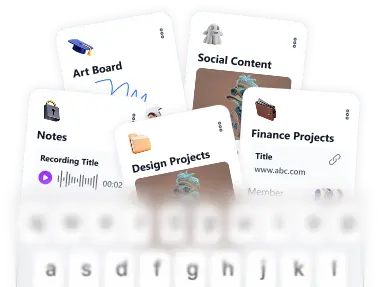
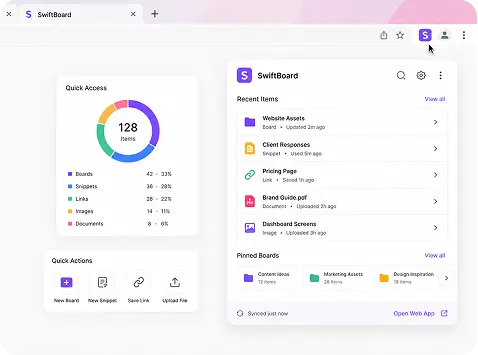
Access Your Boards from the keyboard

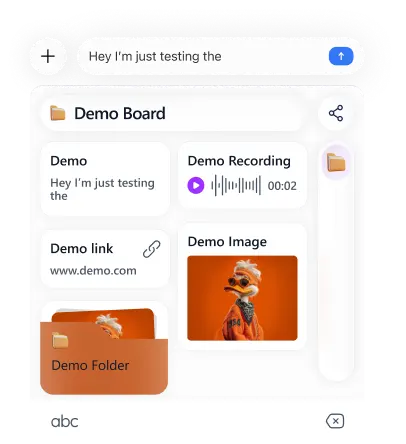
Select any board from the SwiftBoard keyboard on iOS or Android. Tap the content  including text, images, videos, links, documents, or recordings to share instantly without leaving your app.

Step 07: Access Your Boards from the keyboard

The Problem With Current
Productivity Apps

and Why They're Not Working For You

01

Your Work Is Scattered Across Too Many Tools

Most teams use one app for files, another for chat, another for notes, and another for sharing links.Ideas get lost. Files get buried. Communication breaks. Productivity drops.

02

They Don't Control Who Does What…

Many board and content apps let everyone edit everything or restrict too much.Without clear roles like Admin, Editor, and Viewer, collaboration turns into confusion.

03

They Store Content But Don't Structure It…

Uploading files is easy. Organizing them properly isn't.Without structured boards, real-time updates, and clear activity tracking, teamwork becomes messy and reactive.

The Features Collaboration Without The Chaos

Most tools scatter your team across chats, files, and apps. SwiftBoard brings everything into structured boards with clear roles, real-time updates, and controlled access.

01

One Workspace. Every Board Organized.

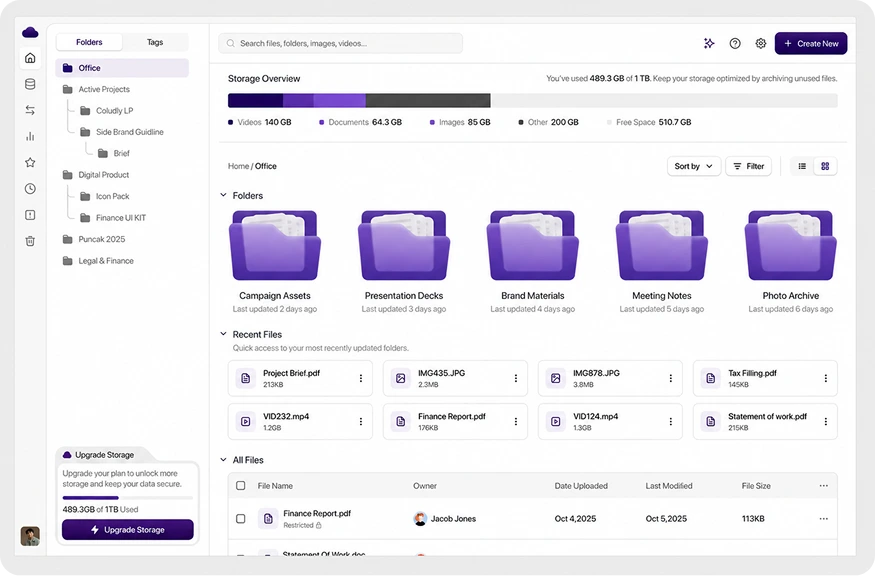
Create focused boards for every project, client, or idea. Keep your workspace clean and intentional.

    • Create boards with custom names & emojis
    • Edit board details anytime
    • Move inactive boards to trash or permanently delete

No more messy folders. No more lost discussions.

02

Controlled Collaboration & Member Management

Keep control over who can access and contribute, so teamwork stays organized and secure.

    • Admins manage boards and members
    • Editors modify content; viewers stay informed
    • Invite teammates and update roles anytime

Structured collaboration without confusion.

03

Rich Content All In One Place

Bring all your project materials together in one organized board, so nothing is ever lost.

    • Add notes, links, images, videos, and files
    • Record and share audio directly
    • Keep everything connected in one place

All your content, organized together.

04

Built In Messaging For Every Board

Discuss work exactly where it happens, keeping communication tied to projects.

    • Chat inside each board and share content instantly
    • Keep discussions in context
    • Collaborate in real time with teammates

Communication stays connected to the work.

05

Real Time Activity & Complete Account Control

Stay informed about every change across boards while managing your account and settings with ease.

    • Real-time updates across boards
    • Filter activities by board, user, or type
    • Update profile info, access help, or manage trash

Visibility, control, and transparency all in one place.

Don't take our
word for it.

SwiftBoard has completely simplified how our team organizes information. Instead of jumping between chat apps, documents, and links, everything now lives inside one board. It has made collaboration smoother and our projects much easier to manage.

Daniel Carter

Daniel Carter

Product Manager

SwiftBoard makes collaboration feel structured and effortless. Being able to control who can edit or view boards gives our team the clarity we were missing with other tools.

Michael Grant

Michael Grant

Operations Manager

Before SwiftBoard, our resources were scattered across multiple tools. Now we keep documents, images, links, and notes all inside one board, which saves our team a huge amount of time and keeps everyone aligned.

Amanda Lewis

Amanda Lewis

Marketing Lead

I love how easy it is to share content with my team. Whether it's a document, video, or quick note, everything is organized inside the board and accessible whenever we need it.

Rachel Simmons

Rachel Simmons

Engineering Lead

The board messaging feature is incredibly useful. Our conversations stay connected to the content we're discussing, which keeps communication focused and productive.

Sophia Bennett

Sophia Bennett

Team Lead

SwiftBoard has become our central workspace. Instead of searching through multiple apps, we know exactly where to go for project updates, files, and team discussions.

Kevin Alvarez

Kevin Alvarez

Project Coordinator

What impressed me most about SwiftBoard is how simple it is to invite new members and assign roles. Our team can collaborate without worrying about accidental edits or confusion.

Chris Donovan

Chris Donovan

Creative Director

SwiftBoard has helped our team stay organized and work more efficiently. Everything from project resources to discussions is available in one place.

Olivia Harper

Olivia Harper

Startup Founder

We replaced several tools with SwiftBoard and the difference is huge. Boards, content sharing, and real-time activity tracking make it easy to stay on top of everything.

Nathan Cole

Nathan Cole

Operations Head

Frequently Asked Questions

Can't find the answer you are looking for? Reach out to us here.

arrow down

Try SwiftBoard

Get started today and streamline your workflow.