Type A Shortcut.
Get The Full Message.
Create reusable snippets for replies, signatures, intros, links, and messages, then expand them anywhere you type.
Repeated Typing
Slows Work Down
Replies, signatures, intros, links, and common messages often get typed again and again — even when the message barely changes.

Same Replies Again
Teams and professionals rewrite the same answers, intros, and follow-ups every day.

Copy-Paste Is Messy
Saved messages get scattered across notes, docs, chats, and old conversations.

Hard To Stay Consistent
Repeated messages can drift over time, making communication less clear and less consistent.

Small Tasks Add Up
Typing common messages manually wastes time across email, chat, forms, and support work.
What Snippets Help You Do
Snippets help you save reusable messages, organise them clearly, access them faster, and expand them wherever work happens.
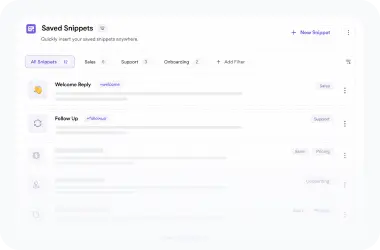
Save Reusable Messages
Store and organize replies, intros, signatures, links, follow-ups, and messages by workflow.
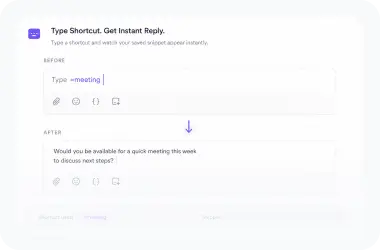
Expand With Shortcuts
Type a short command and insert the complete saved message instantly anywhere.
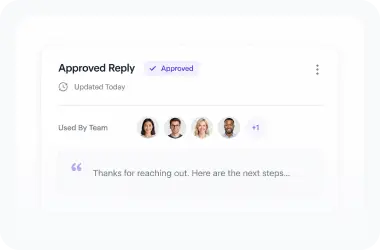
Keep Writing Consistent
Reuse approved snippets so every reply stays clear, accurate, and on-brand everywhere.
Create Snippets For The
Messages You Reuse
Turn your most-used replies, introductions, signatures, links, and message templates into shortcuts you can use again.

Replies
Save common answers for customers, clients, leads, and teammates.

Introductions
Reuse personal, business, sales, or onboarding intros without rewriting them.
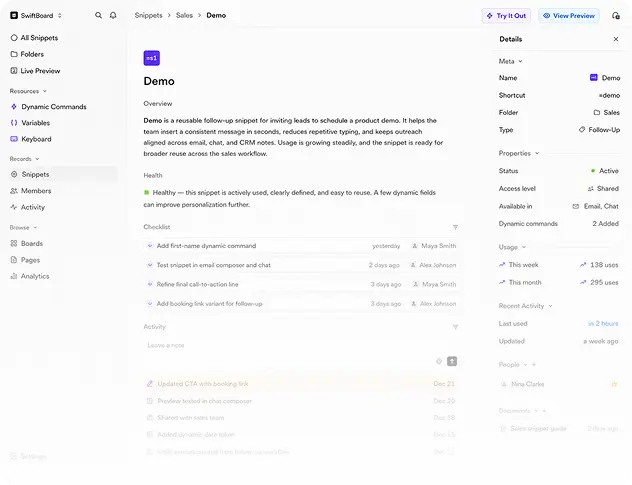

Follow-Ups
Save follow-up messages for sales, support, hiring, and client work.

Links
Insert frequently shared links, booking pages, resources, and documents.
Replies
Save common answers for customers, clients, leads, and teammates.
Follow-Ups
Save follow-up messages for sales, support, hiring, and client work.
Introductions
Reuse personal, business, sales, or onboarding intros without rewriting them.

Signatures
Keep email signatures, contact details, and closing lines ready.

Templates
Create reusable message formats for everyday communication.
Links
Insert frequently shared links, booking pages, resources, and documents.
Keep Every Snippet
Easy To Find
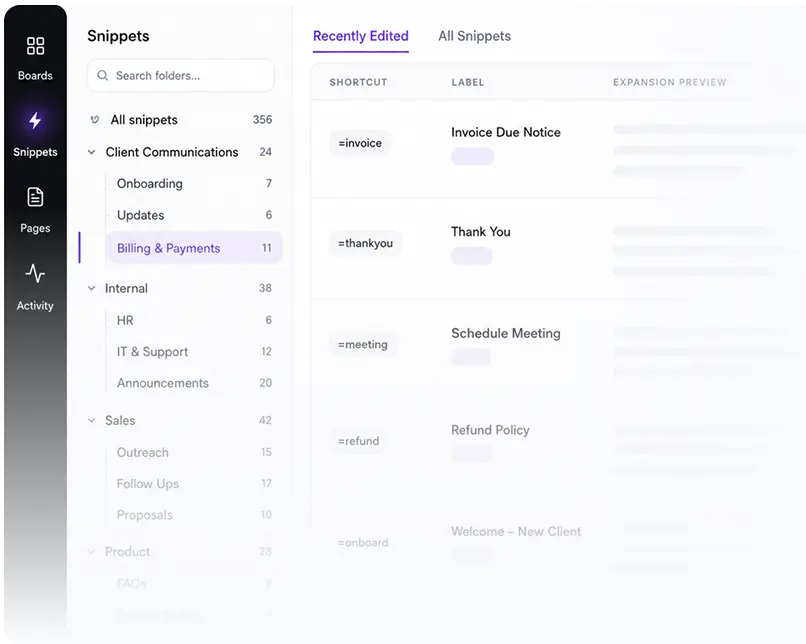
Organise snippets into folders for teams, clients, topics, workflows, or message types so the right shortcut stays easy to access.

Folders
Group snippets by purpose, client, team, or workflow.

Labels
Name snippets clearly so they are easy to recognise.

Search
Find shortcuts and saved messages quickly.
Build Snippets With Rich Text And Details
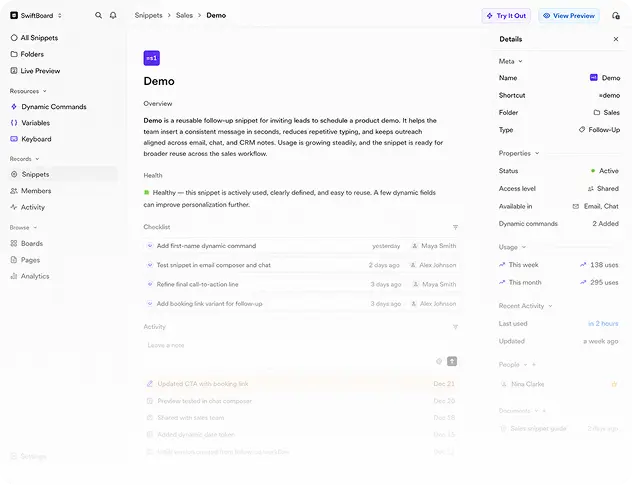
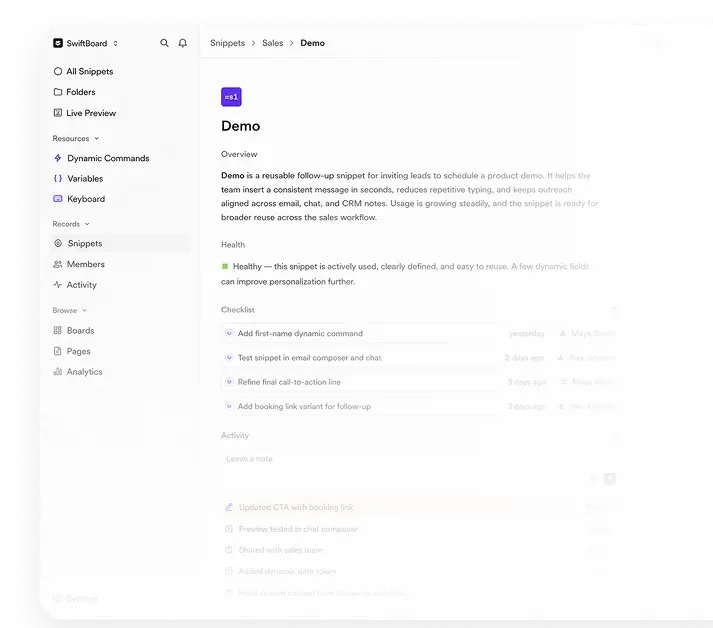
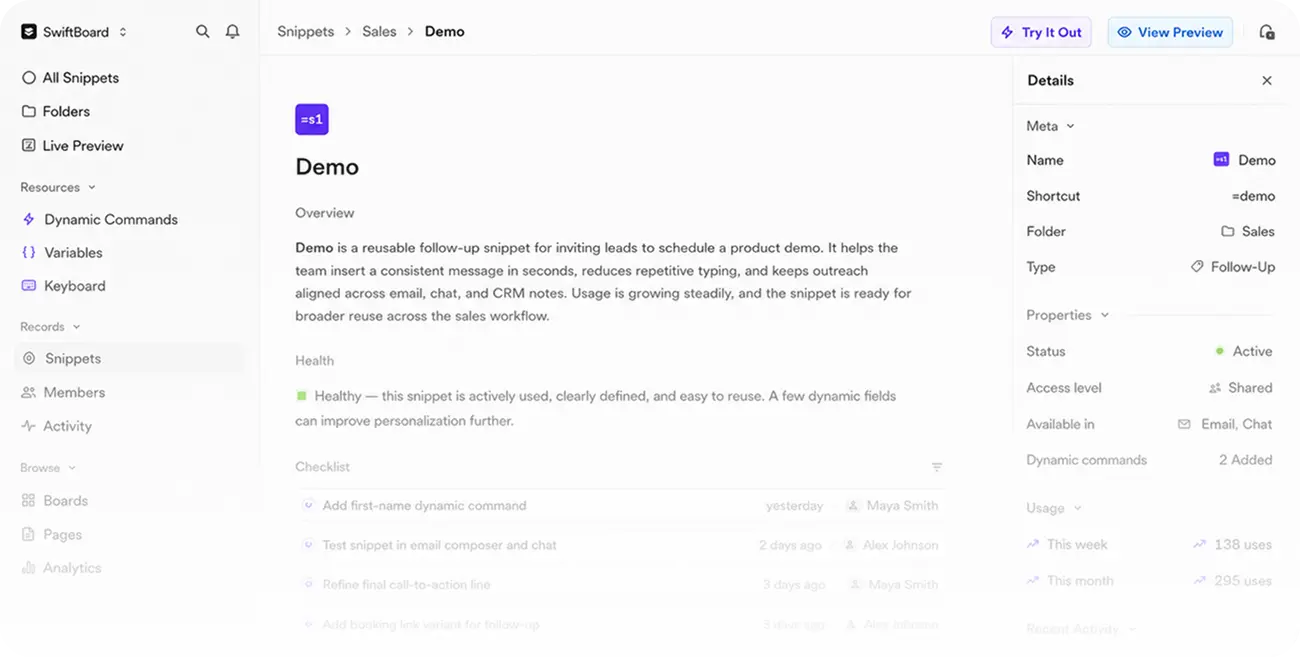
Create polished snippets with labels, shortcuts, formatting, links, commands, and saved content that is ready to expand.
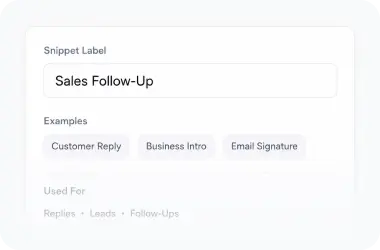
Snippet Label
Name snippets clearly so one stays easy to manage later.
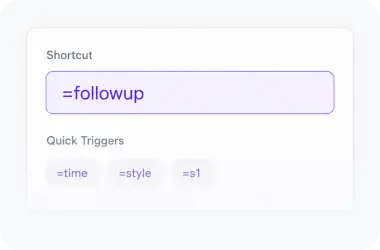
Shortcut Trigger
Create triggers like =time, =style, or =s1 for quick expansion.
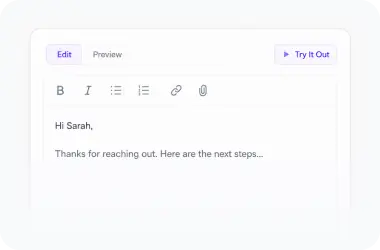
Edit Preview
Format messages and test them before using snippets in conversations.
Make Snippets Smarter
With Commands
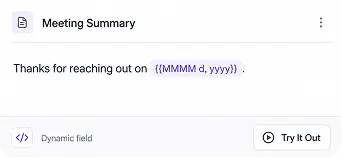
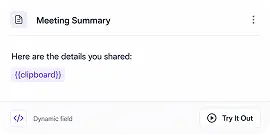
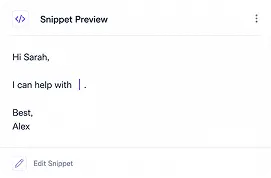
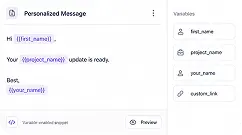
Insert dynamic details like date, time, clipboard content, or cursor position so snippets adapt to the message you are writing.

Date / Time
Insert the current date and time automatically.

Clipboard
Paste copied content inside your snippet.

Place Cursor
Control where the cursor lands after expansion.

Variables
Use reusable placeholders for flexible messages.
Test Snippets Before
You Use Them
Preview each snippet, try the shortcut, and make sure the final message expands exactly the way you want.
Snippets For Every Repeated Message
Create shortcuts for the replies, links, intros, and templates your workflow depends on every day.


Real Estate Teams
Save property replies, viewing details, client updates, and document links.
Create Property Snippets
Sales Teams
Reuse follow-ups, pricing notes, demo links, and objection responses.
Create Creator Snippets