

Save Once.
Use Anywhere.

Keep reusable content in Boards and use it across emails, chats, browsers, and mobile conversations without searching.
No credit card
Content lives across folders, chats, bookmarks, notes, and shared drives, making it hard to find and reuse when work moves fast.



What Boards Help You Do
Boards help you save reusable content, organize it clearly, access it faster, and share it wherever work happens.

Save Reusable Content
Store files, links, notes, voice notes, media, and resources inside Boards so your important content has one place.
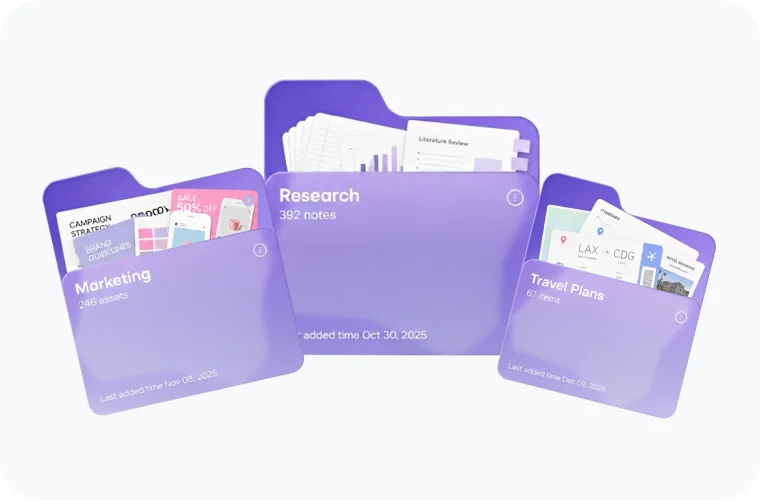
Organize Around Workflows
Group Boards by project, client, campaign, or team so every saved item stays easy to find and reuse.

Share Without Searching
Bring saved content into emails, chats, browsers, and mobile conversations without searching across different apps.
Save Everything In One Board
Keep your most-used files, links, notes, media, voice notes, and reusable content together so everything stays ready when you need it.

Text
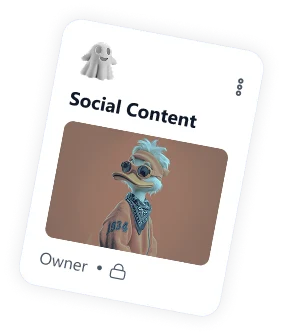
Save replies, captions, pitches, messages, and other text you use often.

Voice Notes
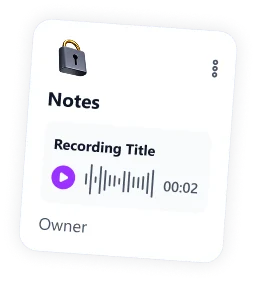
Capture quick thoughts, meeting moments, briefs, and audio notes inside your Board.

Files
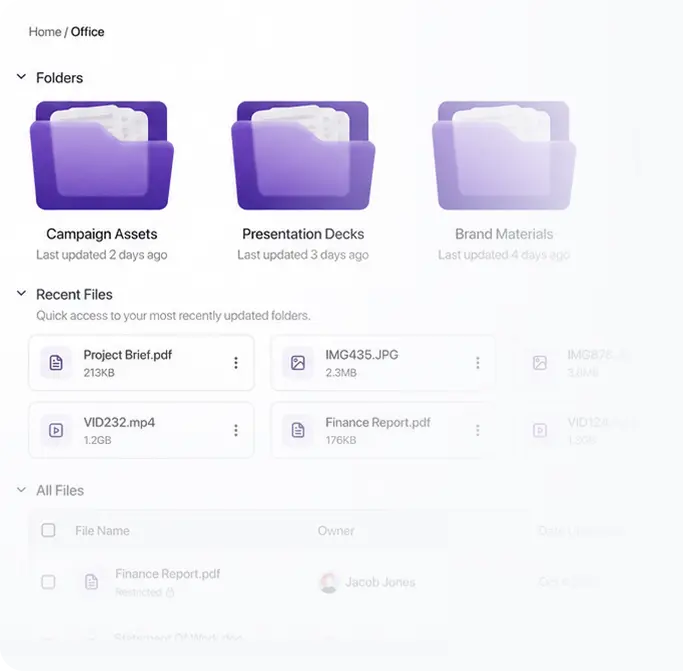
Keep important files, PDFs, decks, briefs, and documents ready to access and share.

Media
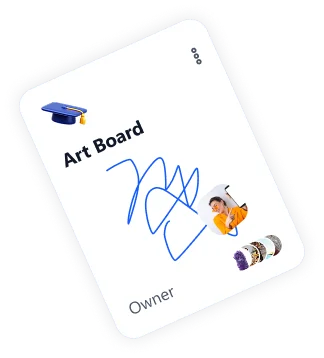
Organize images, videos, screenshots, product visuals, demos, and creative assets.

Links
Save pricing pages, demo URLs, forms, tools, and reusable links in one place.

Notes
Store ideas, instructions, meeting points, quick reminders, and reusable information.
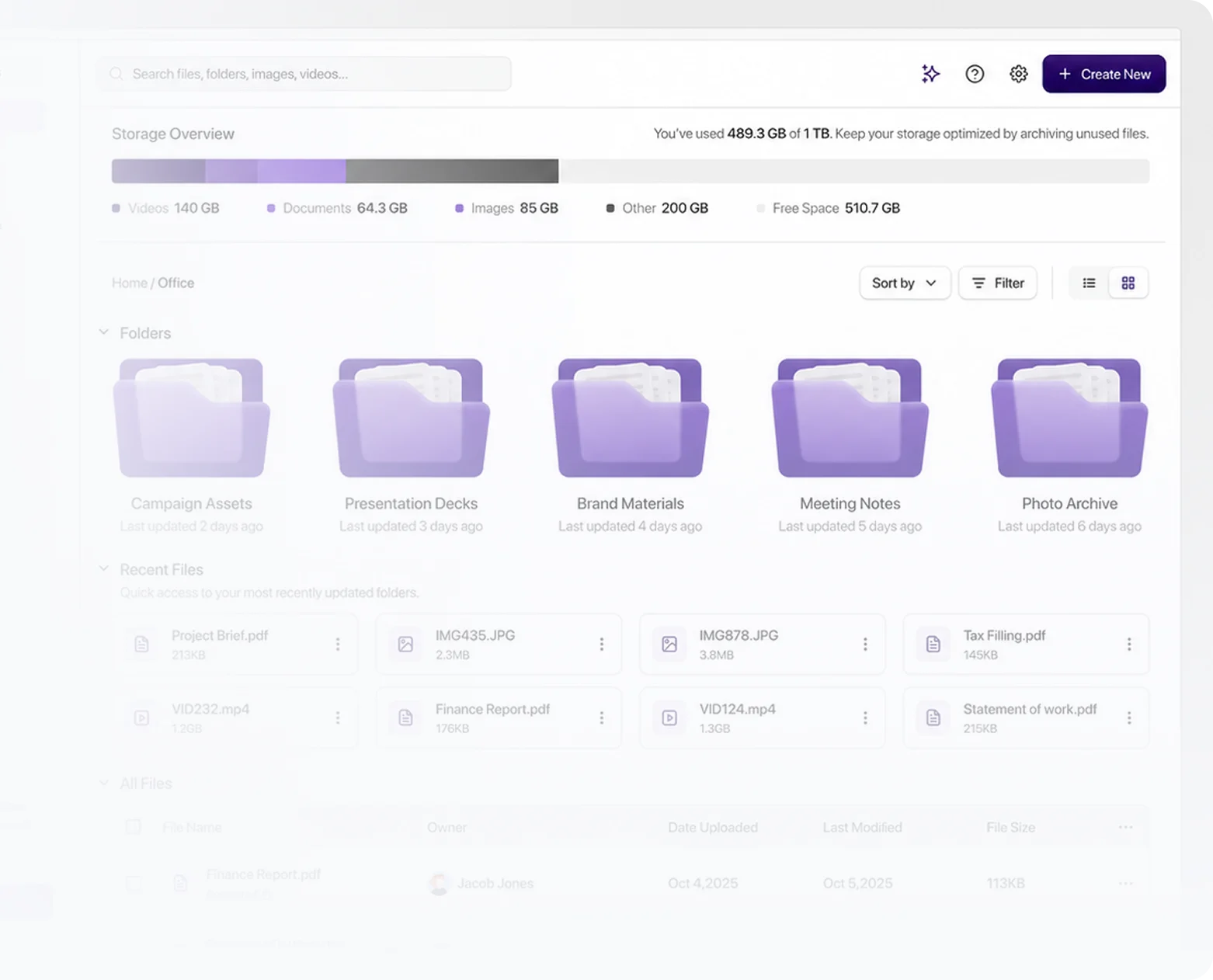
Organize Content
Clearly
Group saved content by project, client, campaign, or workflow so every file, link, note, and resource has a clear place.
Get started. It's FREE!Find & Access
Content Faster
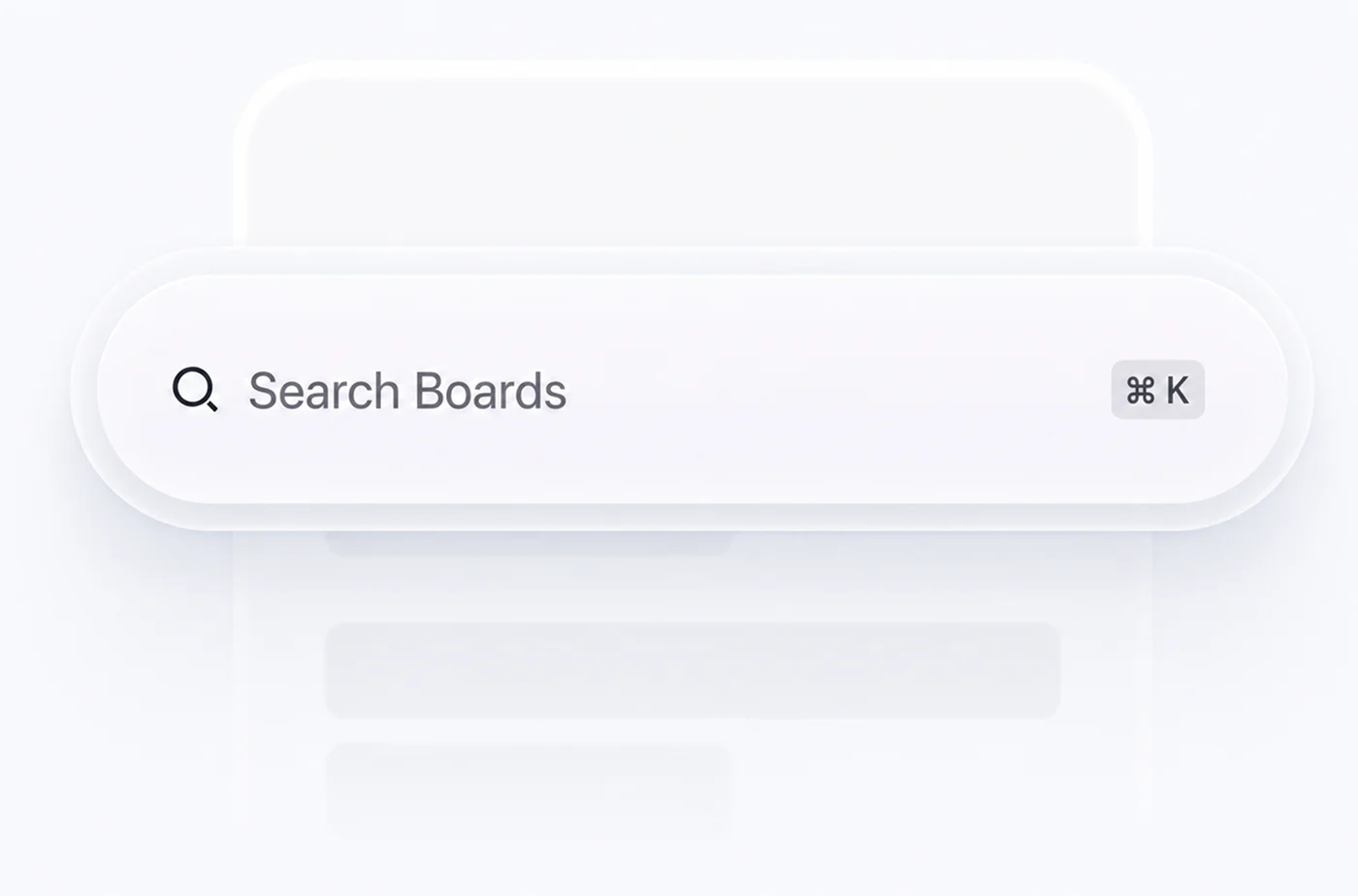
Search across Boards, filter by content type, and open the right files, notes, or resources without digging through scattered tools.
Search Across Boards
Find saved content quickly by name, keyword, client, project, or topic.
Filter By Content Type
Narrow results by files, links, notes, media, voice notes, or reusable text.
Access From Anywhere
Reach your Board content from web, mobile, browser extension, or keyboard.

Share Boards And Resources
Share individual files, links, notes, and resources from your Boards, or give others access to the full Board when they need everything in one place.
Share Full Boards
Give teammates, clients, or collaborators access to a complete Board when they need the full collection.


Share Individual Resources
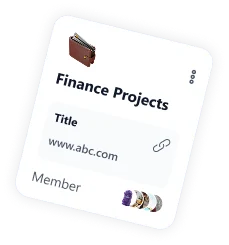
Send a file, link, note, image, or saved message from a Board without searching across apps.

Use Across Workflows
Share Board content through web, mobile, browser extension, or keyboard when work moves fast.
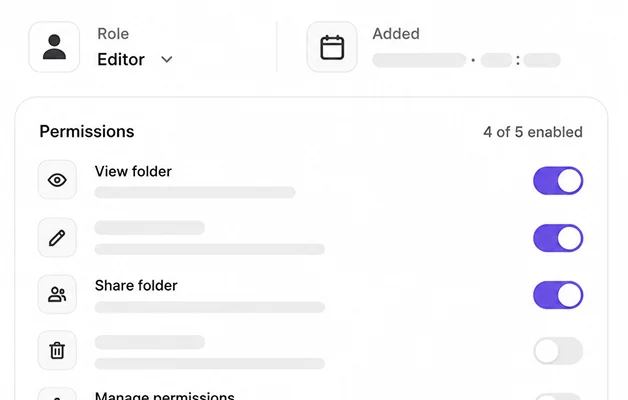
Control Access
Use roles and permissions to decide who can view, manage, or collaborate inside shared Boards.
Collaborate
With Your Team





Manage from desktop
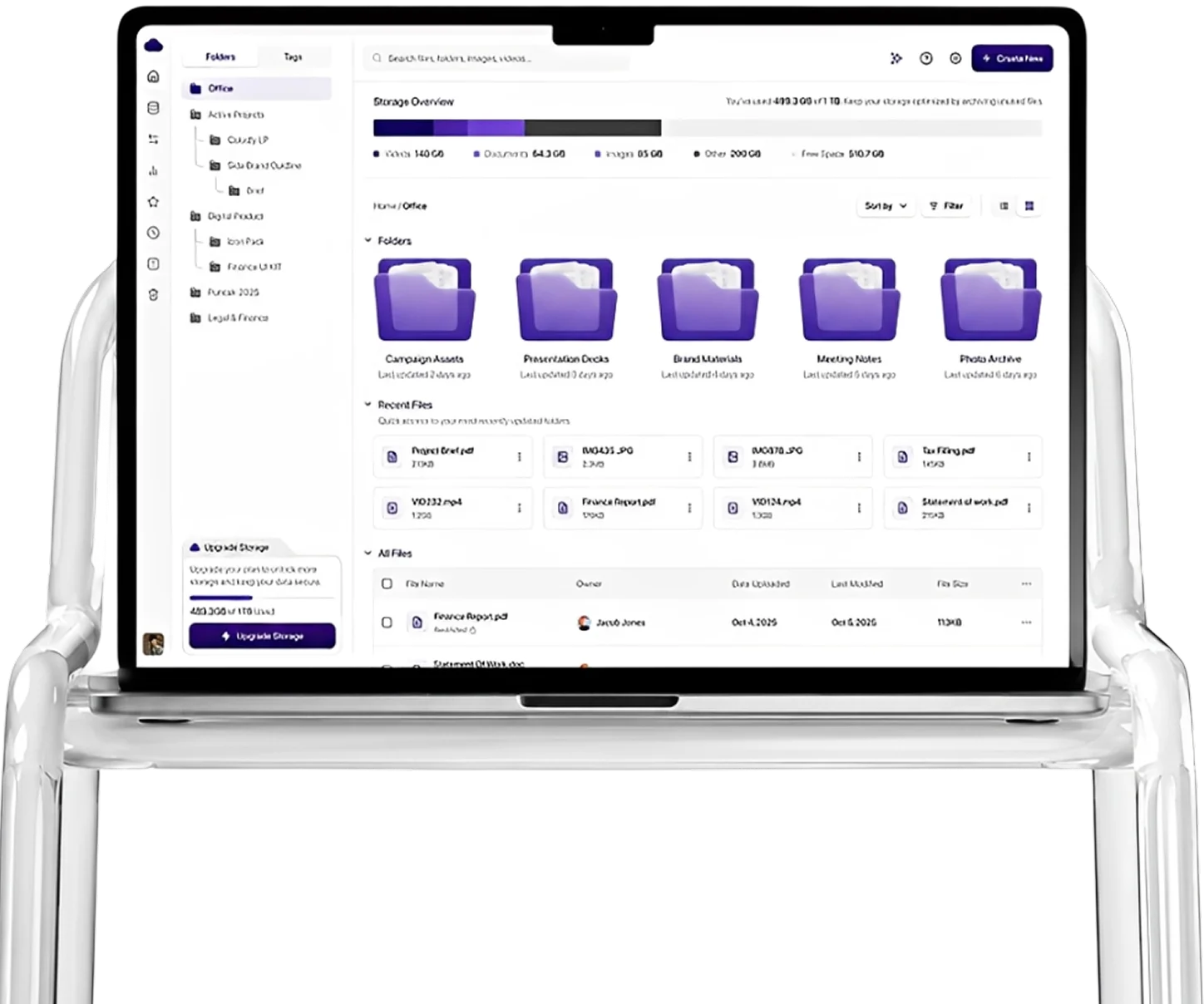
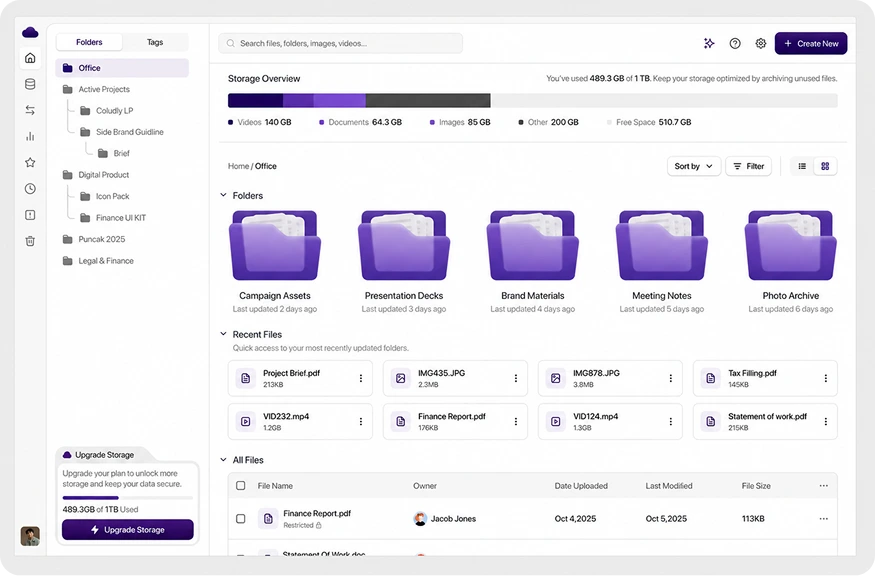
SwiftBoard brings your content, access points, sharing tools, and team collaboration into one connected workspace.
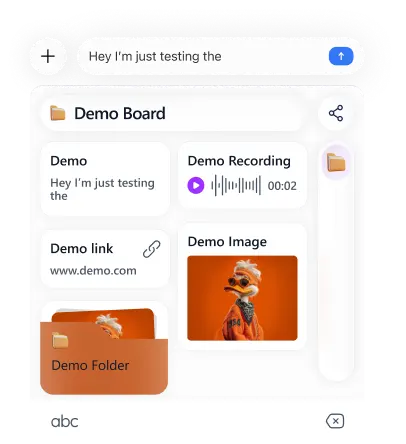
Access on mobile
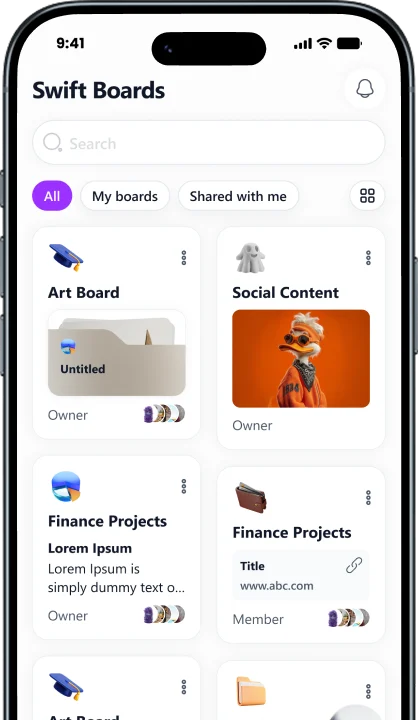
Manage Boards, organize resources, and keep content ready while mobile.
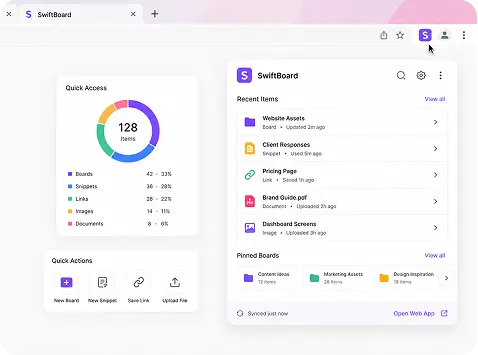
Use while browsing
Use the Browser Extension to access Boards, reuse resources, and keep content ready while browsing.
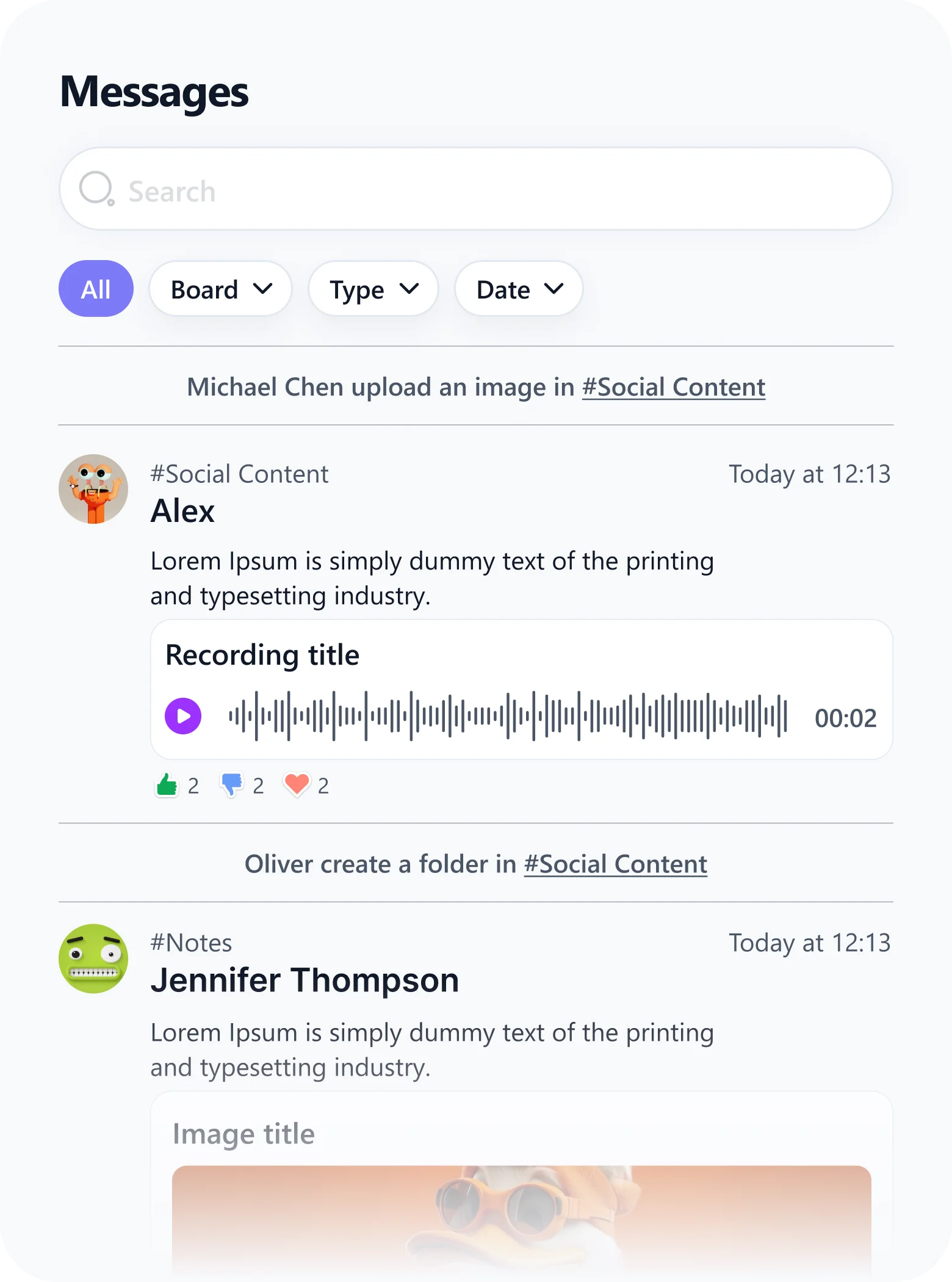
Share in conversations
Access Boards, reuse resources, and keep content ready during conversations.
Manage from desktop
SwiftBoard brings your content, access points, sharing tools, and team collaboration into one connected workspace.
Access on mobile
Manage Boards, organize resources, and keep content ready while mobile.
Use while browsing
Use the Browser Extension to access Boards, reuse resources, and keep content ready while browsing.
Share in conversations
Access Boards, reuse resources, and keep content ready during conversations.
Boards For The Way You Work
Use Boards to organize the files, links, notes, messages, and resources your workflow depends on every day.

Freelancers
Keep client files, proposals, notes, links, and reusable messages organized by project.
Create Client Board
Sales Teams
Store pitch decks, pricing pages, product sheets, follow-up messages, and client resources.
Create Sales Board
Real Estate Teams
Organize property details, photos, documents, client notes, and listing resources.
Create Listing BoardCreators
Save brand assets, content ideas, scripts, inspiration, and reusable resources.
Create Creator Board